Cart
0
How to Choose the Best MIDI Keyboard for Beginners: A Complete Guide for Music Makers
Starting your music production journey with the right MIDI keyboard can make all the difference. This guide navigates beginners through key features, types of key action, integration tips, and expert product recommendations to help you select the best MIDI keyboard tailored to your creative needs and budget
- MIDI keyboards act as controllers for virtual instruments, offering a versatile and cost-effective solution for beginners.
- Choose the number of keys and key action based on your playing style, portability needs, and budget.
- Additional controls like pads, knobs, and faders enhance creative expression and DAW integration.
- Wireless (Bluetooth) options exist but wired USB connections remain the preferred choice for low latency.
- Popular beginner models include Akai MPK Mini MK3, Arturia MiniLab 3, and Novation Launchkey Mini MK4.
- MIDI keyboards differ significantly from digital pianos; ensure you select the instrument that fits your primary goals.
Table of Contents
- What Is a MIDI Keyboard and How Does It Work?
- Key Features to Look for in a Beginner MIDI Keyboard
- Understanding Advanced Technologies: The Rise of MPE Controllers
- Top Beginner MIDI Keyboards: Expert Recommendations and Reviews
- MIDI Keyboards vs Digital Pianos: Selecting the Right Instrument
- Practical Buying Advice for Beginners
- Integrating Your MIDI Keyboard Into Your Music Setup
- Wrapping Up: Finding Your Ideal First MIDI Keyboard
- FAQ
What Is a MIDI Keyboard and How Does It Work?
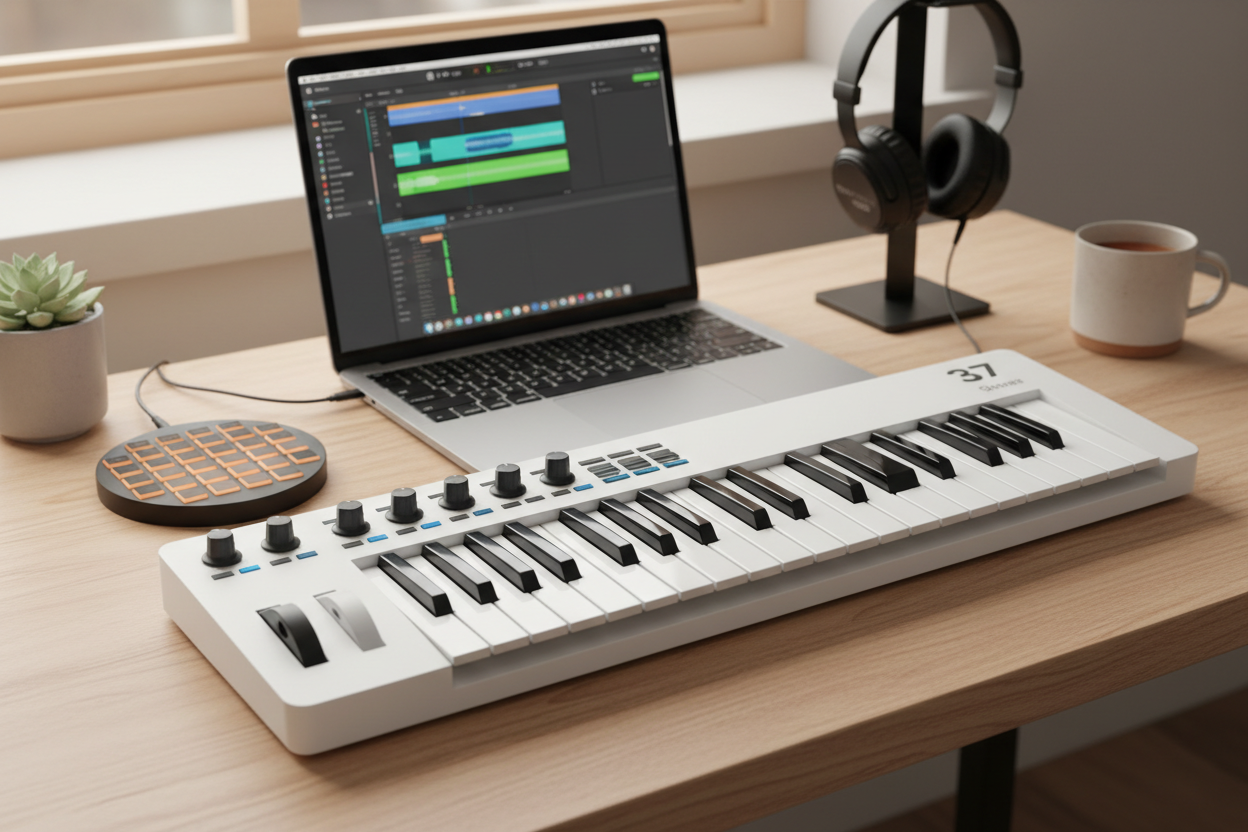
A MIDI keyboard is a digital musical controller that sends MIDI data—information about notes, velocity, and control changes—to other devices such as computers or hardware synthesizers. Unlike a traditional piano, a MIDI keyboard does not produce sound by itself; instead, it acts as an input tool for virtual instruments within a Digital Audio Workstation (DAW) or external sound modules.
Why MIDI Keyboards Are Ideal for Beginners
- Access to infinite sounds: Tap into any instrument sound imaginable, from pianos to drums to synths.
- Simplified recording: MIDI data captures expressive details like velocity, making composition and editing easier.
- Enhanced music theory learning: Visualize chords, scales, and melodies in your DAW for better understanding.
- No piano skills required: Perfect for electronic producers and newcomers without formal piano training.
MIDI keyboards combine portability, affordability, and creative flexibility, making them excellent starter instruments. Remember, their role is as a controller, not a standalone instrument, so pairing them with a DAW or hardware sound module is essential.
Key Features to Look for in a Beginner MIDI Keyboard
1. Number of Keys: Selecting the Optimal Size for Your Style and Space
Key counts influence portability, playing range, and price:
- 25 keys: Ultra-portable, perfect for beat makers and tight spaces, but limited range.
- 49 keys: Balanced size for synth lines and simple piano parts.
- 61 keys and above: More scope for advanced playing and expression.
- 88 keys: Full piano range with weighted keys, ideal for classical techniques.
Tip: Most beginners start with 25 or 49 keys for cost-effectiveness and space, upgrading as skills grow.
2. Key Size and Action: Understanding the Key Feel
How keys respond can deeply affect playability:
- Mini keys: Compact but may feel cramped.
- Synth-action keys: Light, springy, fast response, suited for electronic styles.
- Semi-weighted keys: Balanced feedback with some resistance and expression.
- Fully weighted/hammer action keys: Mimic acoustic piano feel, ideal for pianists.
3. Controls and Features: Beyond the Keys
Extra controls facilitate creativity and workflow:
- Pads: Velocity-sensitive for drums and finger drumming.
- Knobs and Faders: Assignable for tweaking synths and mixing.
- Transport Controls: DAW play/stop/record buttons.
- Joystick/Mod Wheel: For pitch bends and modulation.
- Expression Pedal Inputs: Add sustain or volume pedals.
- Aftertouch Support: Pressure sensitivity for expressive playing.
4. Connectivity and Integration
Key considerations when connecting and syncing your MIDI keyboard:
- USB: Most keyboards connect easily via USB for Mac, PC, and iOS devices.
- Bluetooth MIDI: Wireless option for portability, but with some latency trade-offs.
- 5-Pin MIDI Out: Useful for connecting to vintage hardware and synthesizers.
- DAW Compatibility: Look for keyboards with pre-mapped controls for your software.
- Software Bundles: Many include free instruments or DAWs to get you started.
Understanding Advanced Technologies: The Rise of MPE Controllers
MIDI Polyphonic Expression (MPE) allows nuanced control over each individual note's pitch, timbre, and pressure, enabling expressive performances beyond standard MIDI capabilities.
- MPE controllers like the ROLI Seaboard offer continuous surfaces and dynamic touch sensitivity.
- Best suited for intermediate to advanced musicians due to their learning curve.
- Beginners typically benefit most from traditional velocity-sensitive keyboards with basic aftertouch support.
Top Beginner MIDI Keyboards: Expert Recommendations and Reviews
1. Akai MPK Mini MK3 — Best All-Round MIDI Keyboard
- 25 mini synth-action keys
- 8 backlit drum pads, 8 assignable encoders, joystick for pitch/modulation
- OLED display, sturdy build, solid software bundle
- Ideal for beat makers and electronic musicians in small spaces
- Learn more about Akai MPK Mini MK3
2. Nektar SE25 — Budget-Friendly Option Under $50
- 25 mini synth-action keys
- Basic controls, lightweight design
- Compatible with many DAWs including Bitwig and Logic
- Great entry-level option for tight budgets and portability
3. Korg microKEY2 Air-25 — Wireless and Convenient for Travel
- 25 mini synth-action keys
- Bluetooth MIDI and USB powered
- Rugged, travel-friendly design
- Perfect for mobile musicians
4. Arturia MiniLab 3 — Versatile and Feature-Rich Option
- 25 mini synth-action keys
- 8 rotary knobs, 4 touch strips, 16 pads
- Bundled with Analog Lab virtual instruments
- Ideal for users who want deep control and software integration
5. Alesis V49 MKII — Enhanced Playing Experience With Full-Size Keys
- 49 full-size synth-action keys
- 8 assignable knobs, 4 pads, pitch and mod wheels
- Includes Ableton Live Lite software
- Great for beginners seeking more spacious keys without going full piano size
6. Novation Launchkey Mini MK4 — Best Suited for Ableton Live Users
- 25 mini synth-action keys
- Velocity-sensitive pads, 8 knobs, OLED display, chord memory, arpeggiator
- Designed specifically for tight integration with Ableton Live
Premium and Specialty Choices for Advanced Users
- Kawai VPC1: 88 weighted wooden keys for authentic piano feel.
- ROLI Seaboard: MPE-enabled with continuous touch for expressive control.
- Native Instruments Komplete Kontrol S Series: Semi-weighted and weighted key options, with smart DAW integration.
MIDI Keyboards vs Digital Pianos: Selecting the Right Instrument
| Feature | MIDI Keyboard | Digital Piano |
|---|---|---|
| Sound Production | Requires external sound sources (DAW or synth) | Built-in piano and other sounds |
| Keys | Synth-action or semi-weighted; weighted optional | Weighted keys emulating acoustic piano |
| Speakers | Usually none | Built-in speakers |
| Focus | Music production, electronic music, DAW control | Traditional piano practice and classical education |
| Portability | Lightweight, compact | Heavier due to built-in components |
| Cost | More affordable for beginners | Higher due to sound engine and weighted keys |
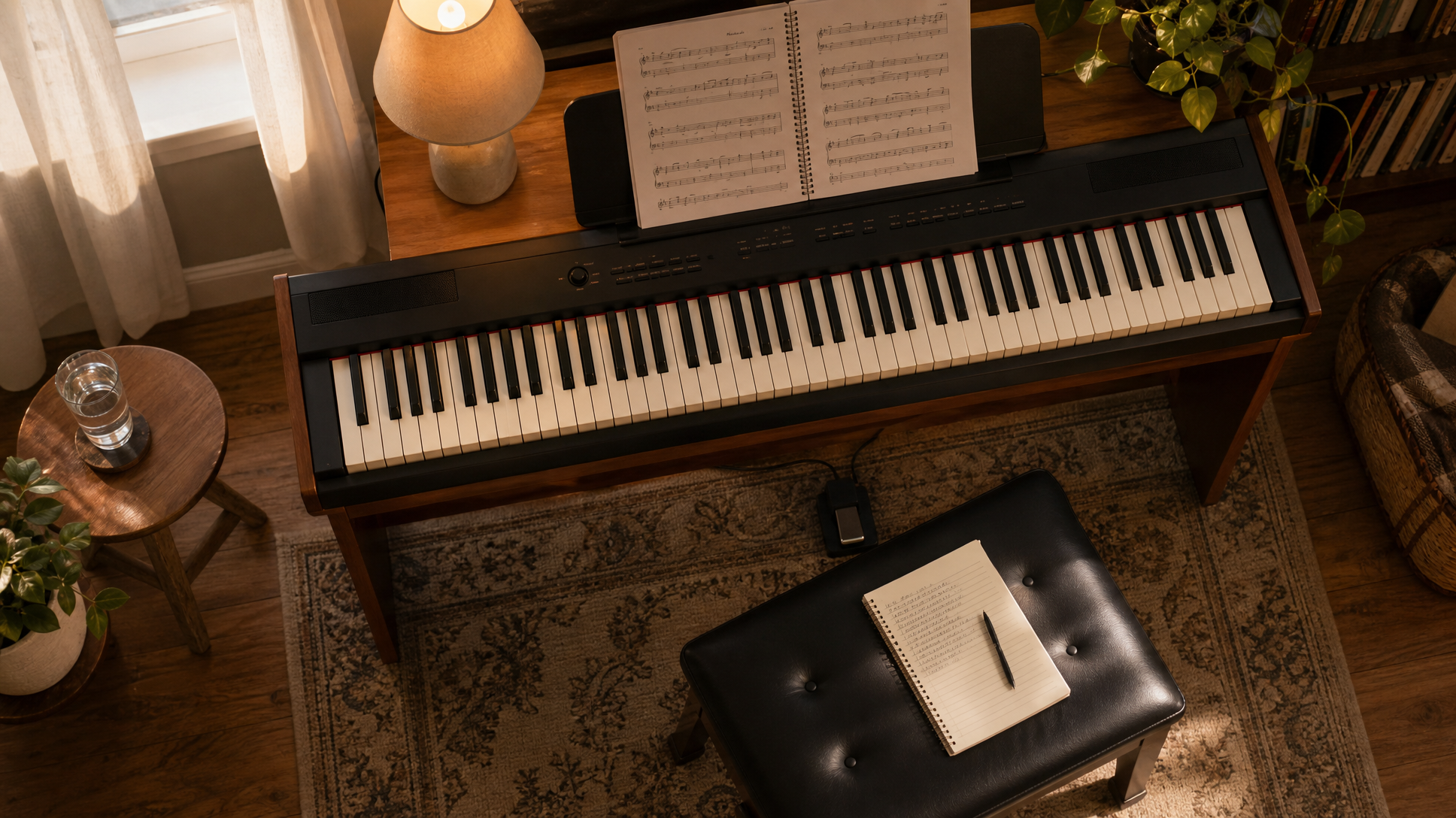
Conclusion: If your goal centers on classical piano skills, a digital piano or weighted MIDI keyboard is best. For beat-making and production, a MIDI controller paired with a DAW offers unmatched versatility.
Practical Buying Advice for Beginners
- Try before you buy: Evaluate feel and key size in person if possible.
- Keep it simple: Avoid controllers overloaded with unnecessary knobs as a beginner.
- Portability matters: Smaller 25-key units like the Akai MPK Mini MK3 suit limited spaces.
- Set a budget: Models under $150 offer quality basics; $200–$400 expand features and longevity.
- Match your DAW: Pick models with tight integration to your preferred software.
- Value software bundles: Many keyboards include virtual instruments and DAWs to boost creativity.
- Plan ahead: Look for expandability with pedals or additional controllers for future growth.
Integrating Your MIDI Keyboard Into Your Music Setup
- USB Plug-and-Play: Most modern keyboards connect instantly without driver installation.
- DAW Mapping: Use the MIDI Learn function to assign knobs, pads, and buttons for custom control.
- Expression Pedals: Add sustain or volume pedals via pedal inputs for fuller performance.
- Wireless vs Wired: Bluetooth MIDI suits casual and mobile use; USB remains ideal for low-latency studio work.
- Combine Controllers: Pair your keyboard with control surfaces or mixers for enhanced workflow.
Wrapping Up: Finding Your Ideal First MIDI Keyboard
Choosing the right MIDI keyboard sets the foundation for your creative and learning journey. Whether you opt for compact, feature-packed devices like the Akai MPK Mini MK3 or more expansive options like the Arturia MiniLab 3, there is a beginner-friendly keyboard suited to your style, workspace, and budget.
Remember, your MIDI keyboard is more than a tool—it’s your gateway to a world of sonic possibilities. Embrace exploration, experiment with sounds, and most importantly, enjoy the process of making music!
FAQ
What is the difference between synth-action and weighted keys?
Synth-action keys are light and springy, designed for fast and expressive electronic music playing. Weighted keys simulate the resistance and feel of an acoustic piano’s hammer mechanism, ideal for classical playing and greater expression.
Do I need a computer to use a MIDI keyboard?
Most MIDI keyboards require connection to a computer or hardware synthesizer to generate sound, as they themselves produce no audio. Many also bundle software instruments to help you get started on a computer.
Is Bluetooth MIDI as good as USB for music production?
Bluetooth MIDI offers convenient wireless operation but can introduce slight latency, which is not ideal for professional or time-sensitive performances. USB connections provide more stable and low-latency communication, preferred for studio work.
What software should I use with a beginner MIDI keyboard?
Popular beginner-friendly DAWs include Ableton Live Lite, GarageBand (Mac), FL Studio, and Logic Pro. Many keyboards come bundled with these or virtual instrument collections to facilitate your learning.