Cart
0
The upgrade trap most home producers fall into
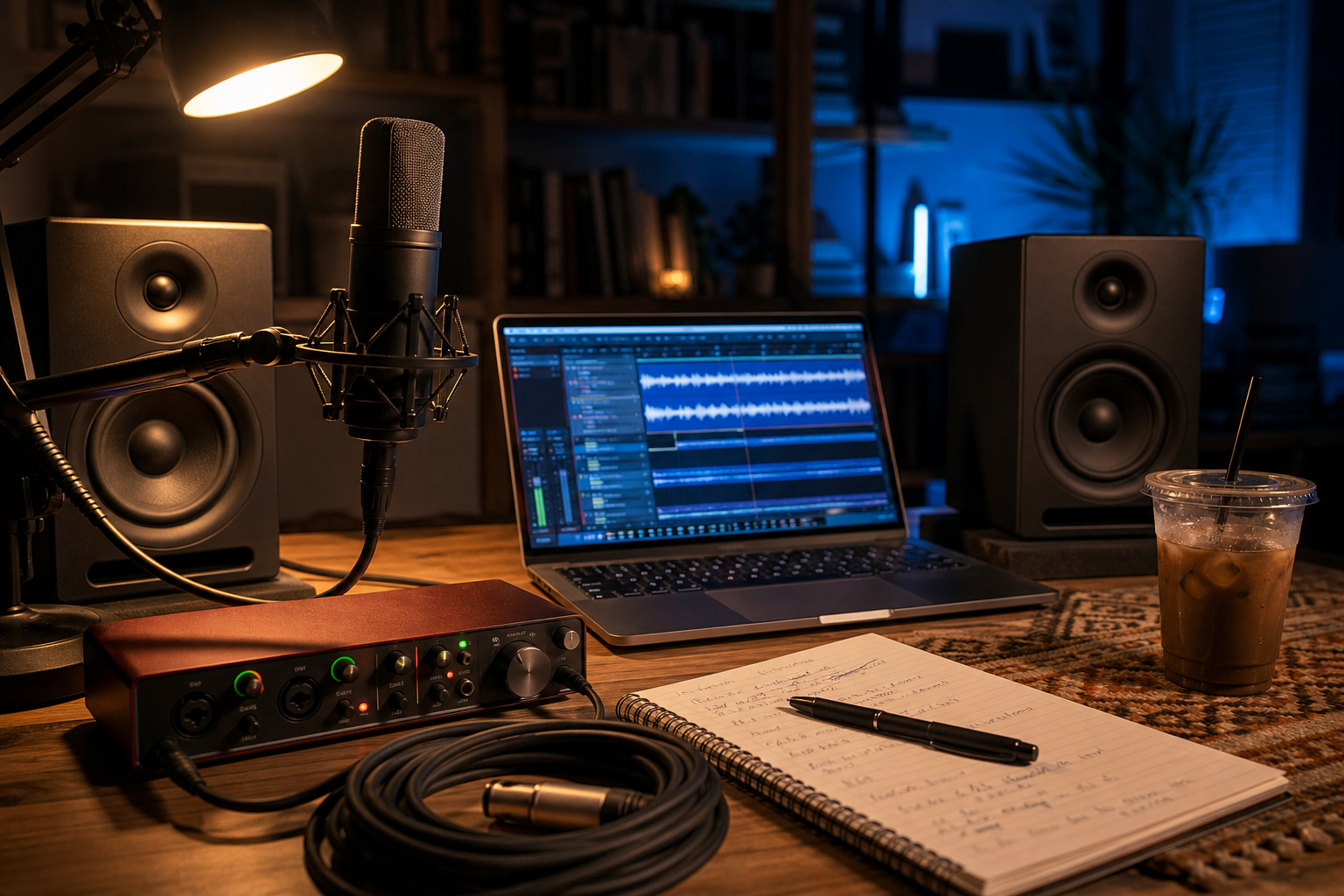
You've got a workable setup. Maybe a USB mic, laptop speakers, and a basic interface you grabbed when you were just getting started. Your mixes sound okay — but something's off, and you know it. So you open a browser tab, start reading reviews, and three hours later you've got seventeen tabs open and you're no closer to a decision.
The problem isn't that you don't know enough about gear. It's that most gear content answers "what's good?" instead of "what's good for your specific problem?" Those are completely different questions.
Here's a more useful frame: every upgrade in a home studio solves one of three problems — signal quality going in, accuracy of what you're hearing, or translation (how your mix sounds everywhere else). Match the upgrade to the problem, and the decision gets a lot cleaner.
Start here: What's actually bothering you?
Before comparing specs, be honest about what's making you unhappy. Is your recorded vocals sound thin, noisy, or harsh? Are you making EQ decisions that sound great in your room but fall apart on earbuds? Or do you feel like your raw recordings are clean but the final mix still sounds amateur?
Each of those frustrations points to a different part of the chain — and a different upgrade.
The audio interface: the foundation, not the flashy upgrade
Most home producers underestimate how much the interface shapes everything downstream. The preamps inside a low-end interface introduce noise and coloration before your signal even hits your DAW. If you're recording vocals, acoustic guitar, or any live instrument and hearing a kind of thin, slightly harsh quality that EQ can't fix — the preamp is often the culprit, not the mic.
A better interface with cleaner, more transparent preamps will make your existing microphone sound noticeably better. That's the part nobody tells you when you're debating mic brands.
The other thing a quality interface handles is latency. If you're monitoring through software effects while recording and there's even a slight delay, you'll drift off-time without realizing it. A solid interface with low-latency drivers removes that friction entirely.
Upgrade your interface first if: your recordings have audible noise floor or harshness even in a quiet room, you're using a budget USB interface from your first setup, or you're monitoring through software and experiencing latency.
The condenser microphone: the upgrade that feels the most dramatic
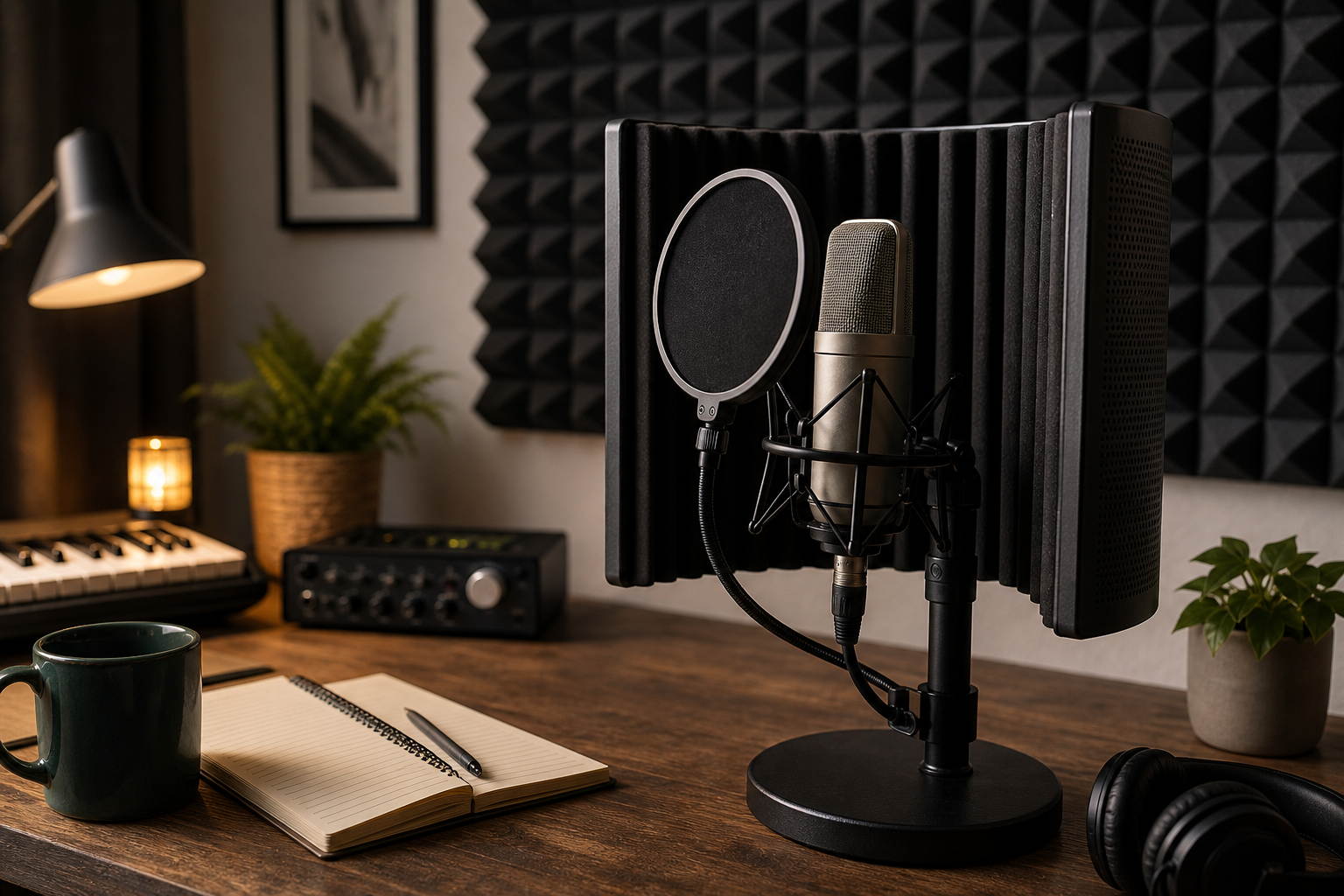
Condensers are sensitive. That's their whole thing. They pick up more detail, more air, more of the room — which is exactly what makes them brilliant for vocals, acoustic instruments, and overhead drum recording, and exactly what makes them unforgiving in an untreated room.
Here's the honest trade-off: a large-diaphragm condenser in a reflective, untreated bedroom will often sound worse than a decent dynamic mic in the same room. The condenser isn't broken — it's doing its job too well. It's capturing your room's problems in high definition.
That said, if you're already recording in a reasonably treated space (even basic acoustic panels and a reflection filter make a real difference), stepping up to a quality condenser will add a presence and detail to your vocals that's genuinely hard to replicate in post.
Upgrade your microphone if: you're recording in a treated or acoustically manageable space, your current mic sounds dull or lacks presence on vocals, or you're capturing acoustic instruments and need more detail and depth.
Studio monitors: the upgrade that changes how you make decisions
This is the one that takes the longest to appreciate — and the one that pays off the most over time.
If you're mixing on laptop speakers, consumer headphones, or even decent hi-fi speakers, you're getting a flattering picture of your audio. Those playback systems are designed to make music sound good. Studio monitors are designed to make problems obvious. The bass buildup you didn't know was there. The harsh 3kHz spike you've been boosting by accident. The vocal that's buried in the mix but sounds fine on your desktop speakers.
Better monitors don't make your mix sound better immediately — they make your decisions better. Over dozens of sessions, that compounds. Your mixes start translating to earbuds, car speakers, and club systems without as much guesswork.
The catch: monitors are only as useful as your room lets them be. If your room has bad low-end buildup (most untreated rooms do), you'll hear a false picture of your bass no matter how good the monitors are. Even basic acoustic treatment — corner bass traps, panels behind the mix position — makes a meaningful difference here.
Upgrade your monitors if: your mixes sound great in your room but fall apart everywhere else, you can't tell where bass is sitting in your mix, or you're making EQ decisions that you constantly second-guess.
A quick way to map your situation
- Noisy, harsh, or thin recordings → Interface preamps are likely the bottleneck. Start there.
- Dull, lifeless vocals in a decent-sounding room → A condenser mic upgrade will make an audible difference.
- Clean recordings, but mixes don't translate → Monitor accuracy is the problem. Better monitors (plus some room treatment) is the fix.
- Everything sounds rough and you're not sure why → Interface first, then monitors. The mic is rarely the weakest link in a beginner chain.
The order most producers should follow
If you're starting from a basic setup and have budget for one upgrade at a time, the interface tends to deliver the broadest improvement because it affects every single thing you record. After that, monitors — because better decision-making improves every mix going forward. The microphone is the most emotionally satisfying upgrade, but it's also the most context-dependent. Get the foundation right first.
None of this means one upgrade is objectively more important than another. It means the right upgrade depends on where your chain is actually breaking down — and that's something only you can diagnose by listening critically to your own recordings.
Browse recording interfaces, studio microphones, and studio monitors at Emusicmart.com — and if you're still figuring out where to start, our guide to ordering instruments online covers what to look for before you buy.
Frequently Asked Questions
Can a better audio interface really make my existing microphone sound better?
Yes — often noticeably so. The preamp inside your interface amplifies the mic signal before it reaches your DAW. A noisy or coloring preamp adds problems that no amount of EQ can fully undo. Cleaner preamps let your microphone perform closer to its actual potential, which is why interface quality is often a more impactful first upgrade than swapping the mic itself.
Do I need acoustic treatment before buying studio monitors?
Ideally, yes — at least some basic treatment. Studio monitors reveal what's in your audio, but they also reveal what's in your room. Untreated rooms create bass buildup and reflections that give you a false picture of your mix even on great monitors. You don't need a professional treatment job; even a few panels and corner traps make a real difference. Monitors and room treatment work together, not in isolation.
Is a condenser mic always better than a dynamic for home recording?
Not always. Condensers are more sensitive and capture more detail, which is great for vocals and acoustic instruments in a treated space. In an untreated room with lots of reflections, that sensitivity works against you — the mic picks up every flaw in the room. A good dynamic mic can actually produce cleaner, more controlled results in an acoustically challenging environment. Match the mic type to your room, not just the genre.
What if I can only afford one upgrade right now?
Start with the interface if you're recording live instruments or vocals through a budget entry-level unit. It's the part of the chain that affects everything you record, and a meaningful step up in preamp quality will make an immediate, audible difference across all your sessions. If your interface is already solid and your mixes aren't translating, go for monitors next.